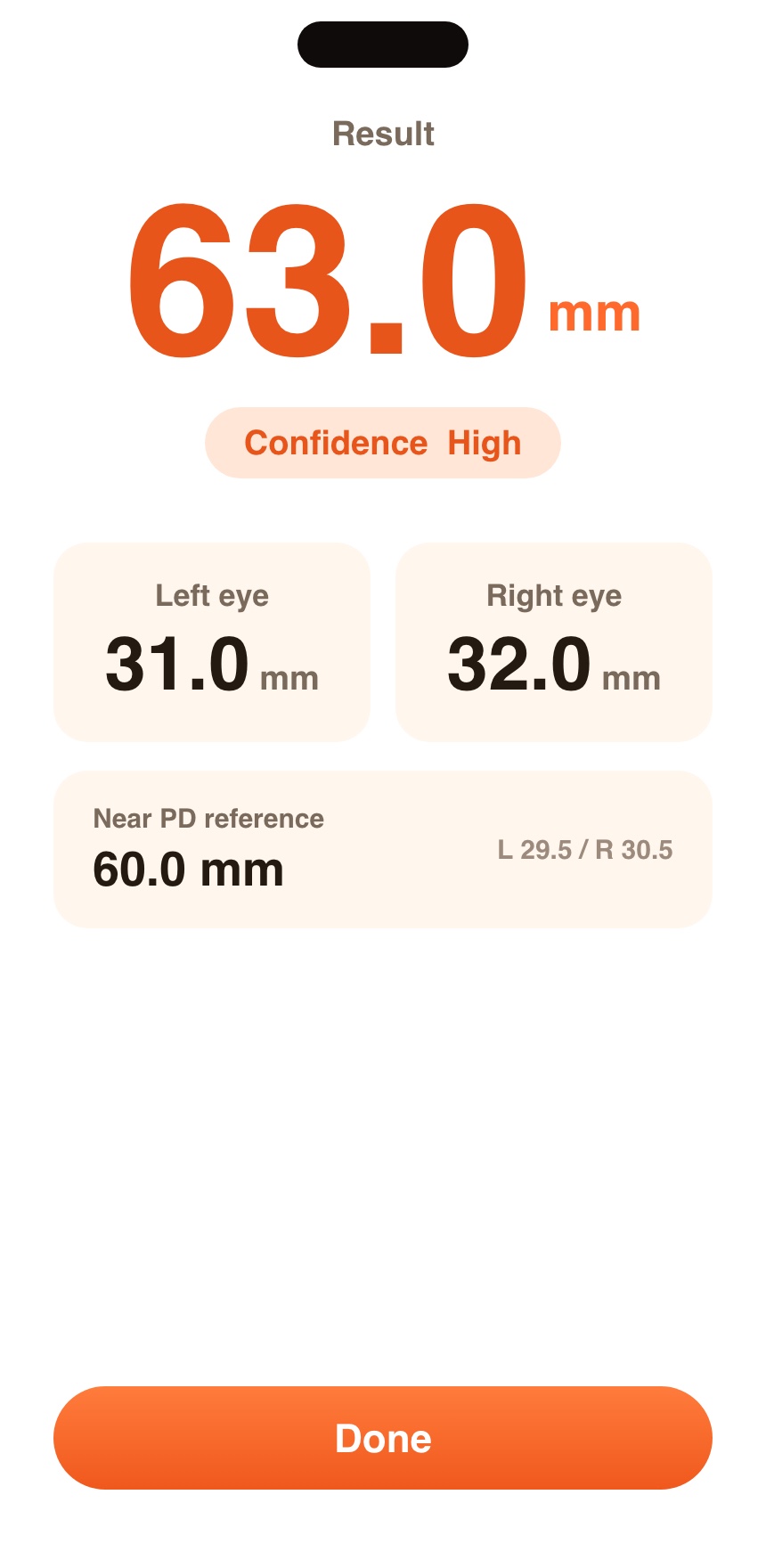
Tap once. PDgo uses your iPhone's TrueDepth 3D camera to measure your PD automatically - total and per-eye, with a confidence rating. Ready to use when you order glasses online.
iOS app · iPhone X and newer (Face ID models) · iOS 16+ · Photos never leave your phone
Measuring PD by hand means a millimeter ruler, a mirror, and a lot of squinting. PDgo replaces all of it with the 3D sensor already in your iPhone.
Hold your iPhone at arm's length and place both eyes inside the on-screen guide.
PDgo captures three rounds automatically - about 10 seconds in total.
Total PD, left-eye and right-eye PD, plus a confidence rating. Saved to your records.
A flat photo can't tell how far your face is from the camera, so photo-based PD tools have to guess using a credit card for scale. The TrueDepth sensor measures actual 3D distance - the same hardware that powers Face ID - so PDgo measures your pupils in real millimeters, not estimated ones. PDgo is a measurement reference for eyewear; for prescriptions and eye health, always see your optometrist.
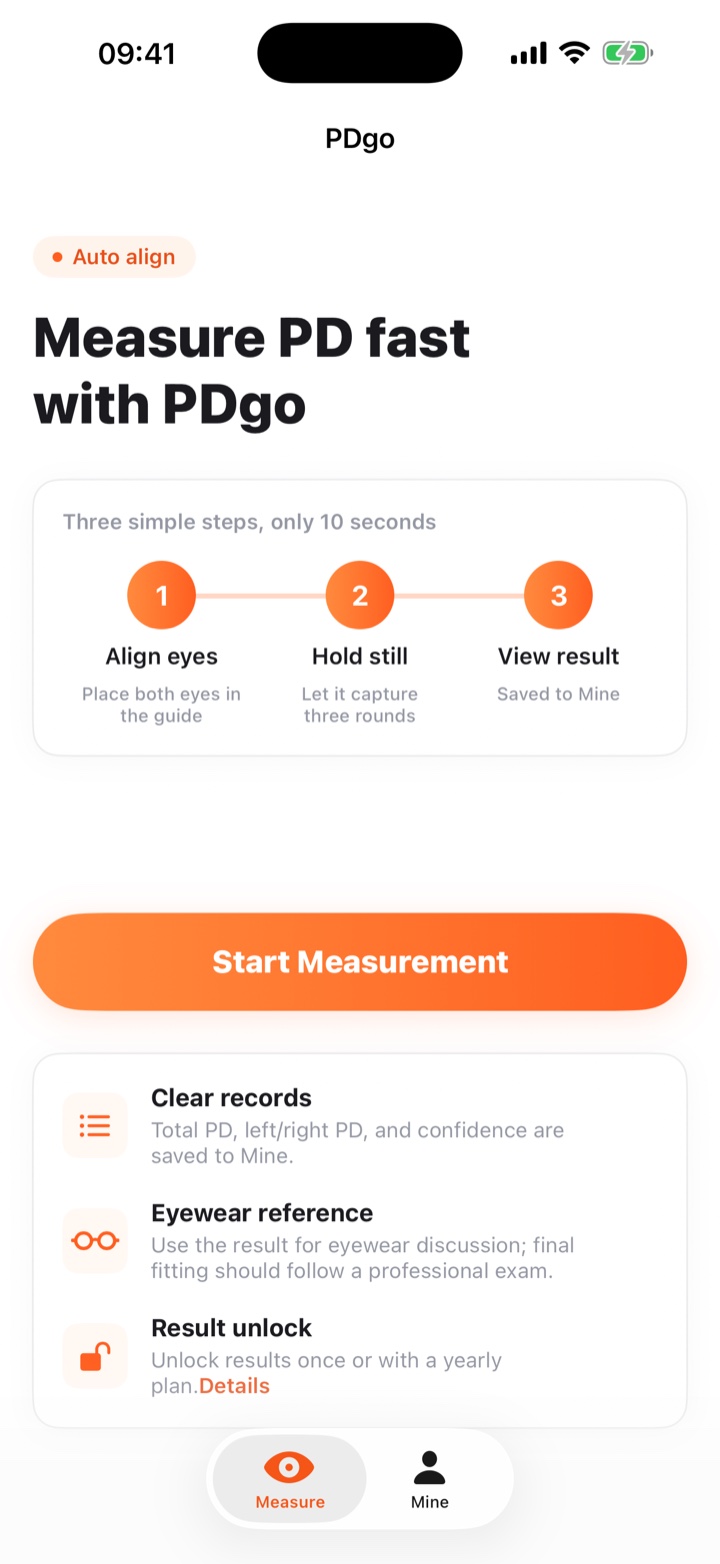
PDgo uses the iPhone TrueDepth camera and captures three rounds automatically, then takes the median. Every result comes with a confidence rating so you know when a reading is reliable. It's intended as an eyewear reference, not a medical diagnosis.
Any iPhone with Face ID (iPhone X and newer) on iOS 16 or later. The TrueDepth front camera is required for true 3D measurement.
No. All processing happens on your device. Nothing is uploaded, and no account is needed.
Your pupillary distance tells the lab where to place the optical center of each lens. If it's off, lenses can cause eye strain. Read more in What is PD?
Yes - you can use a millimeter ruler and a mirror, or our free online PD ruler. It's just slower and less precise than the TrueDepth method. See all three methods compared.
Measure your PD once, use it every time you buy.
Download PDgo on the App Store